

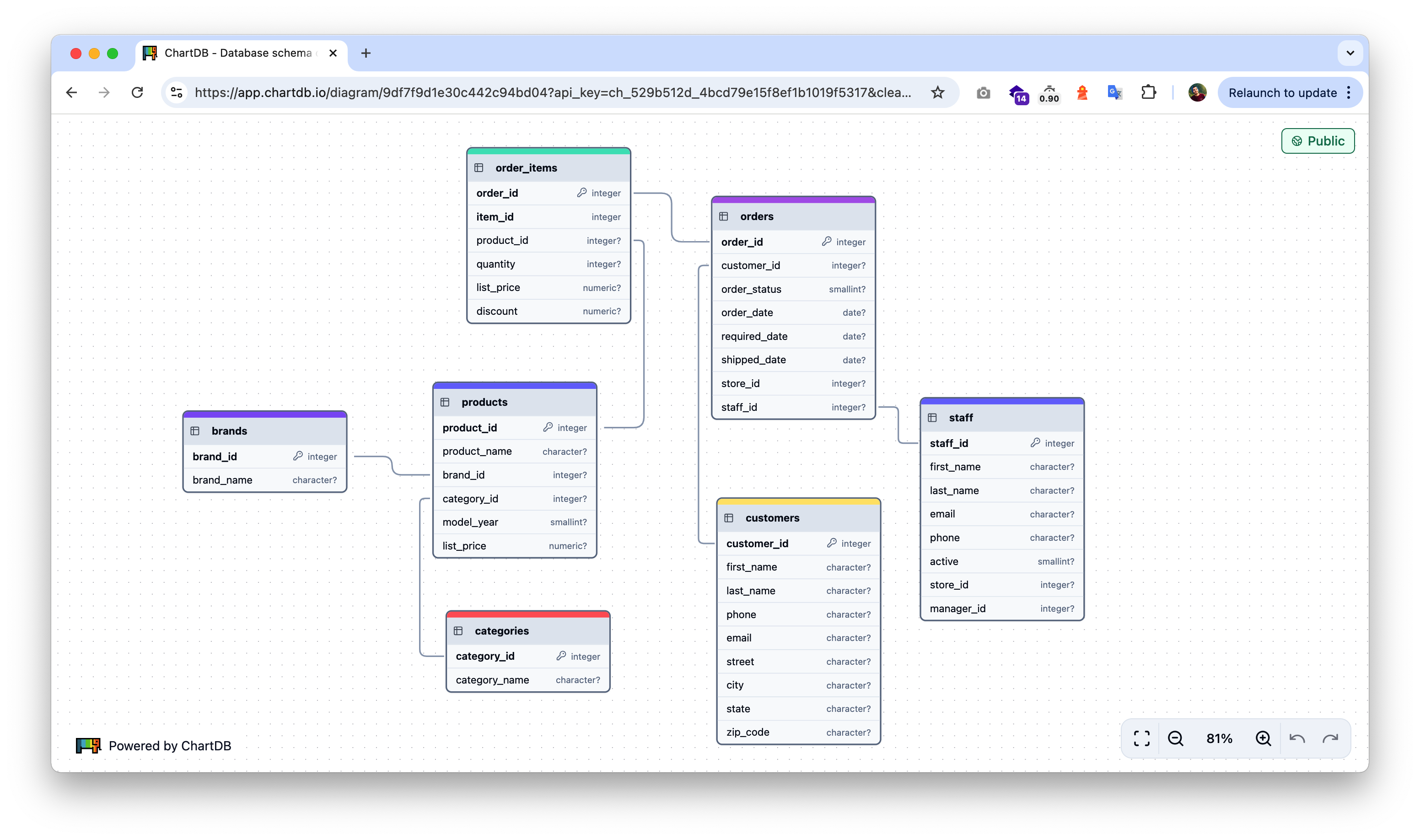
Private Access with API Keys
You can access private diagrams without authentication by using an API key in the diagram’s URL. This is particularly useful for:- Embedding private diagrams in documentation
- Sharing diagrams with specific users without requiring them to log in
- Integrating diagrams in internal tools
Getting the Embedded Link
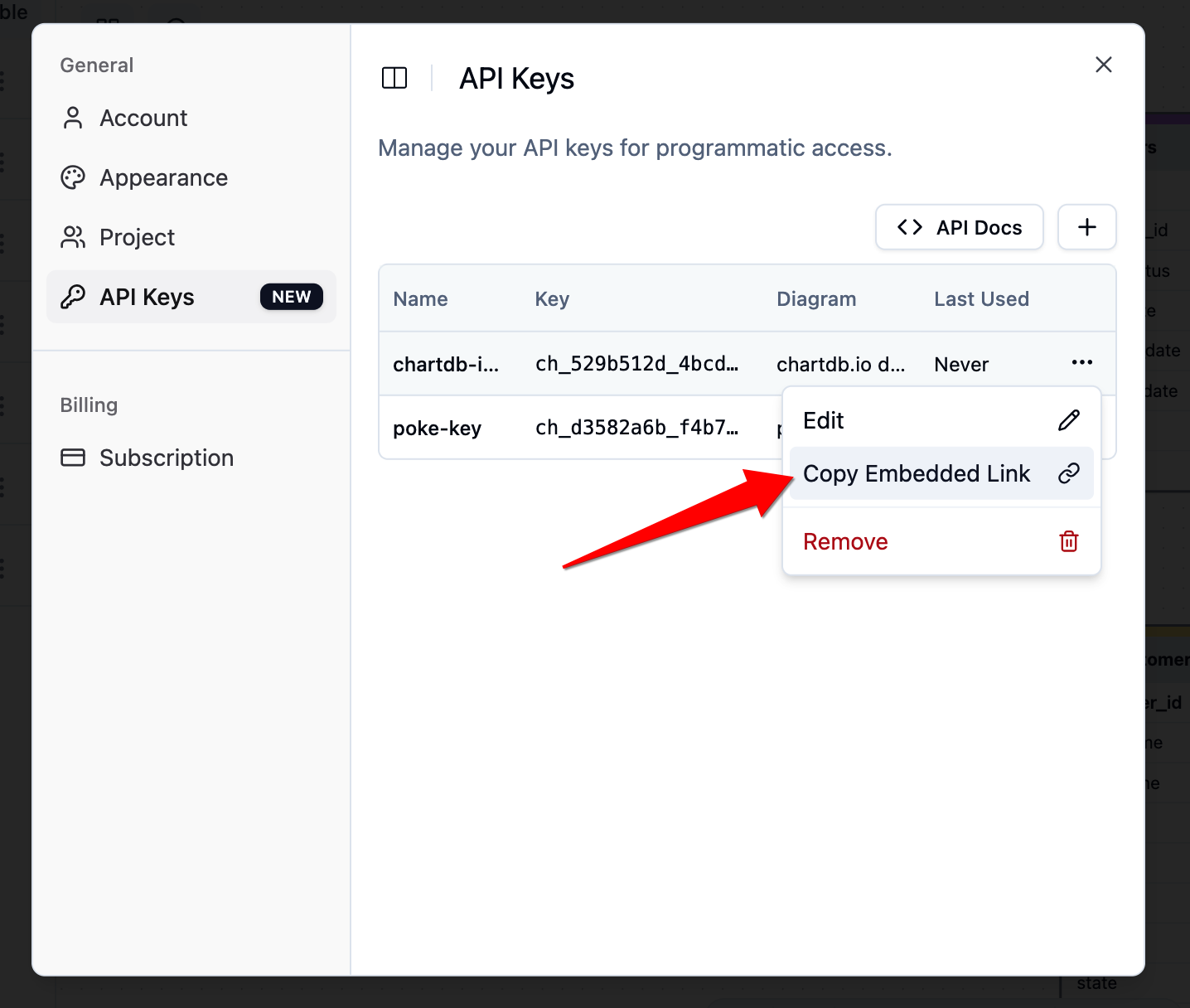
- Go to your API Keys settings in ChartDB
- Find the API key associated with your diagram
- Click the three dots menu (⋮) and select “Copy Embedded Link”
Usage
Simply append your API key as a query parameter to the diagram URL:Benefits
- No Authentication Required: Users can view private diagrams directly through the URL
- Granular Access Control: Each API key can be scoped to specific diagrams
- Secure Sharing: Share diagrams privately without exposing them publicly
- Easy Integration: Perfect for embedding in documentation, wikis, or internal tools
Security Considerations
- Keep your API keys secure and rotate them periodically
- Each API key should only have access to the diagrams it needs
- Monitor API key usage through your ChartDB dashboard